Follow your teams
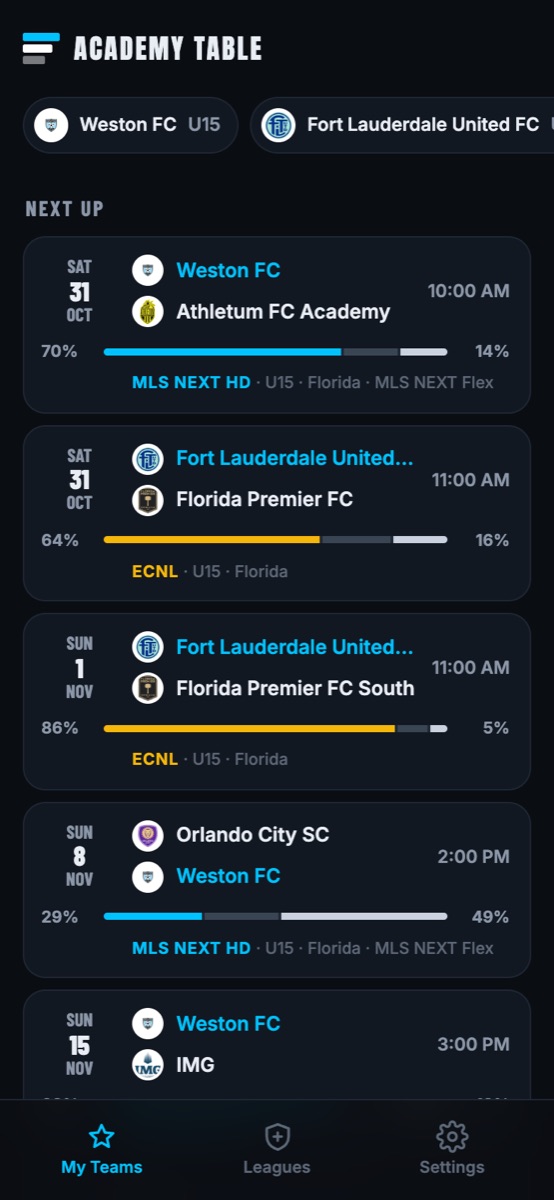
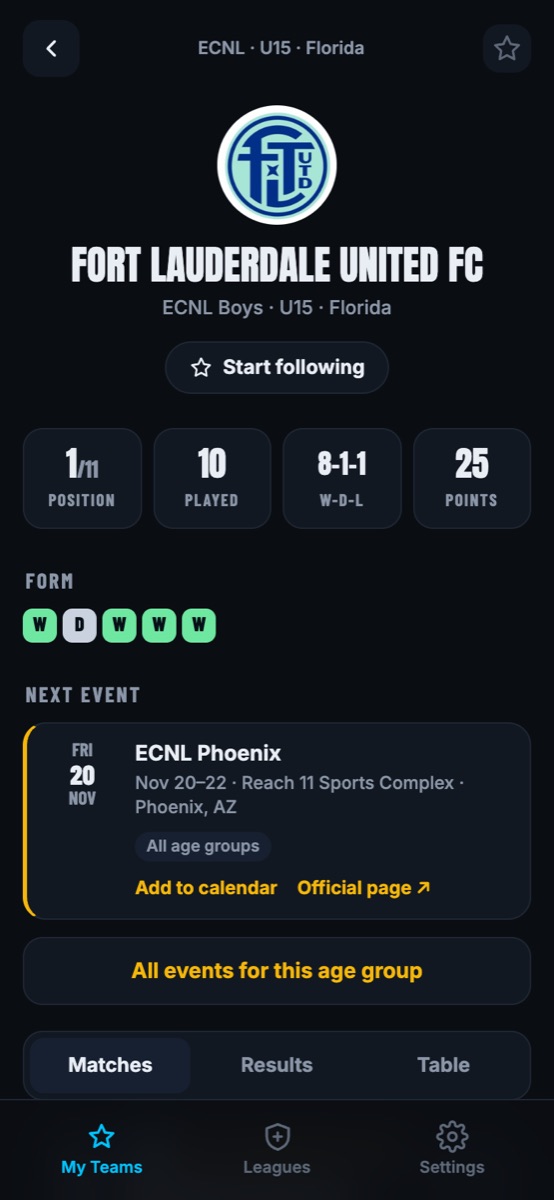
Star every team you care about, across leagues and age groups. One feed shows what's next and what just happened.
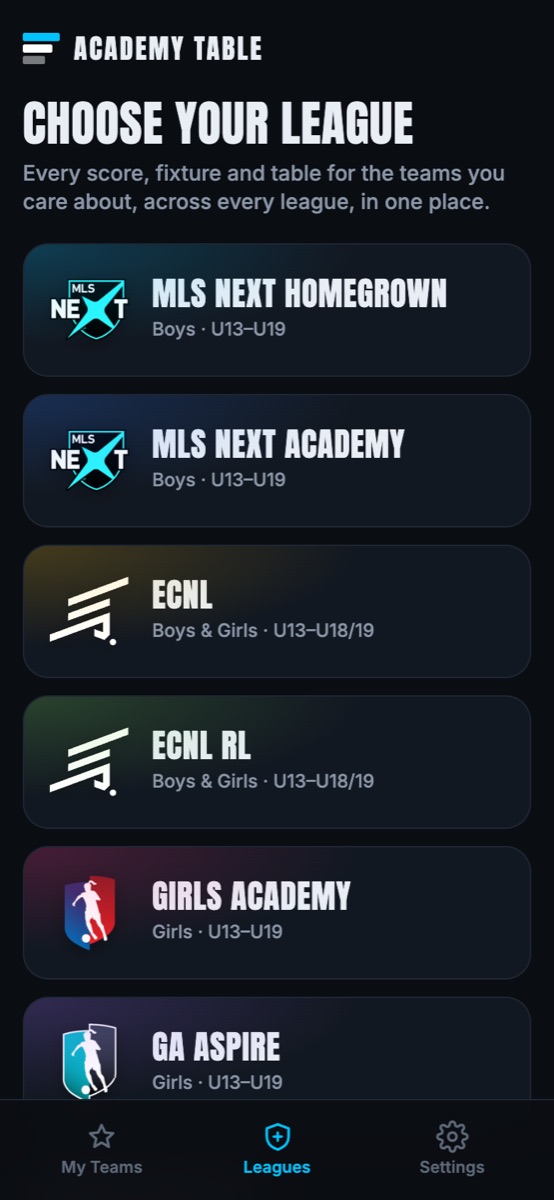
MLS NEXT, ECNL, ECNL RL, Girls Academy and GA Aspire. Pick your league, age group and team, and see the whole season: results, standings, upcoming games and tournaments.
Free · No App Store needed · English, Español, Português, Kreyòl Ayisyen
 MLS NEXTMLS NEXT
 ECNLECNL RL
 Girls
Girls GA
GA130+ conferences · U13 to U19 · full-season schedules, scores and tables
Star every team you care about, across leagues and age groups. One feed shows what's next and what just happened.
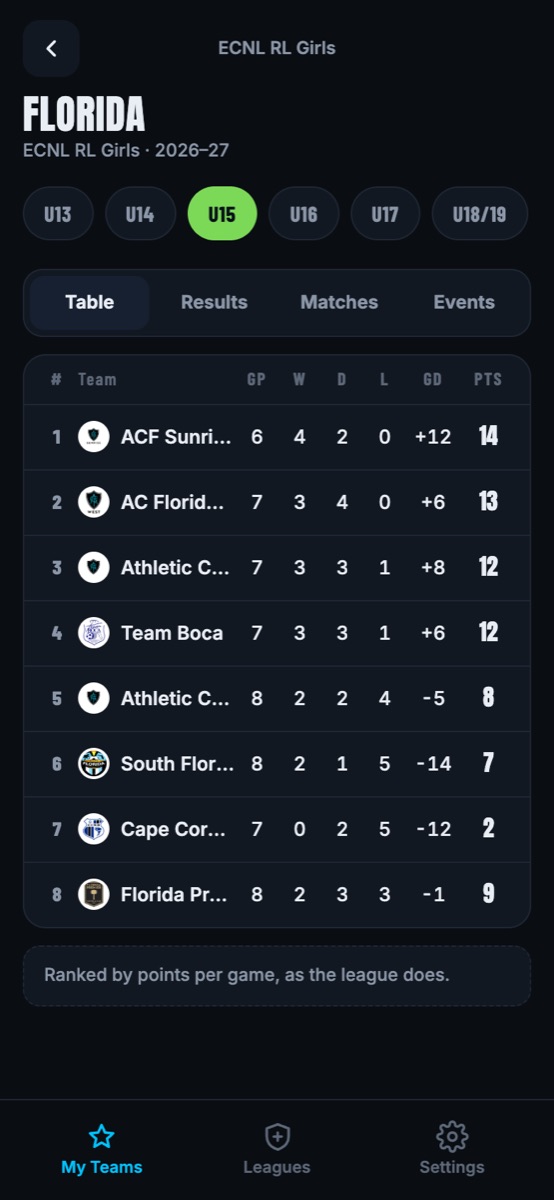
Standings for every conference and age group, ranked by points per game the way the leagues do it.
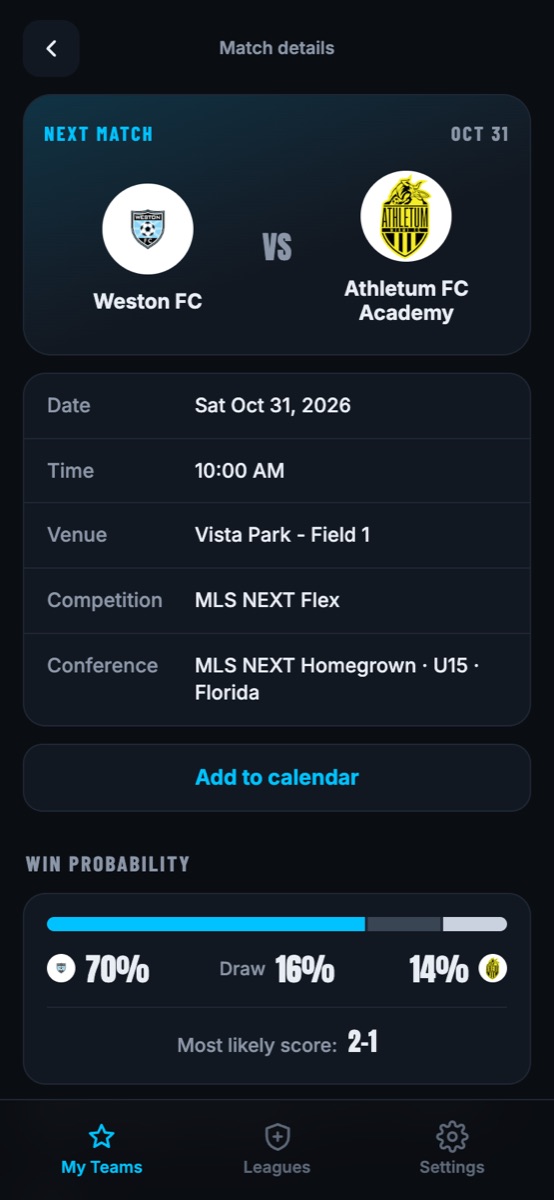
Odds for every upcoming game and the most likely score, from this season's results and the strength of each opponent.
League events for your age group, with dates, venues, one-tap calendar adds and links to the official pages.
A reminder before kickoff, the final score as soon as it's posted, and a heads-up when a game's time or field changes.
Search a club name and jump straight to every age group it has, in every league.
English, Español, Português and Kreyòl Ayisyen, so the whole family can follow along.
No subscription and no clutter. Just the season, the way a soccer parent wants to see it.
Academy Table runs like an app from your Home Screen, with its own icon and match alerts.
To get match alerts, open Settings in the app and turn on notifications. On iPhone this works once the app is on your Home Screen (iOS 16.4 or later).
Built by a youth coach and soccer parent who got tired of checking five different league websites every weekend.
Open Academy Table